



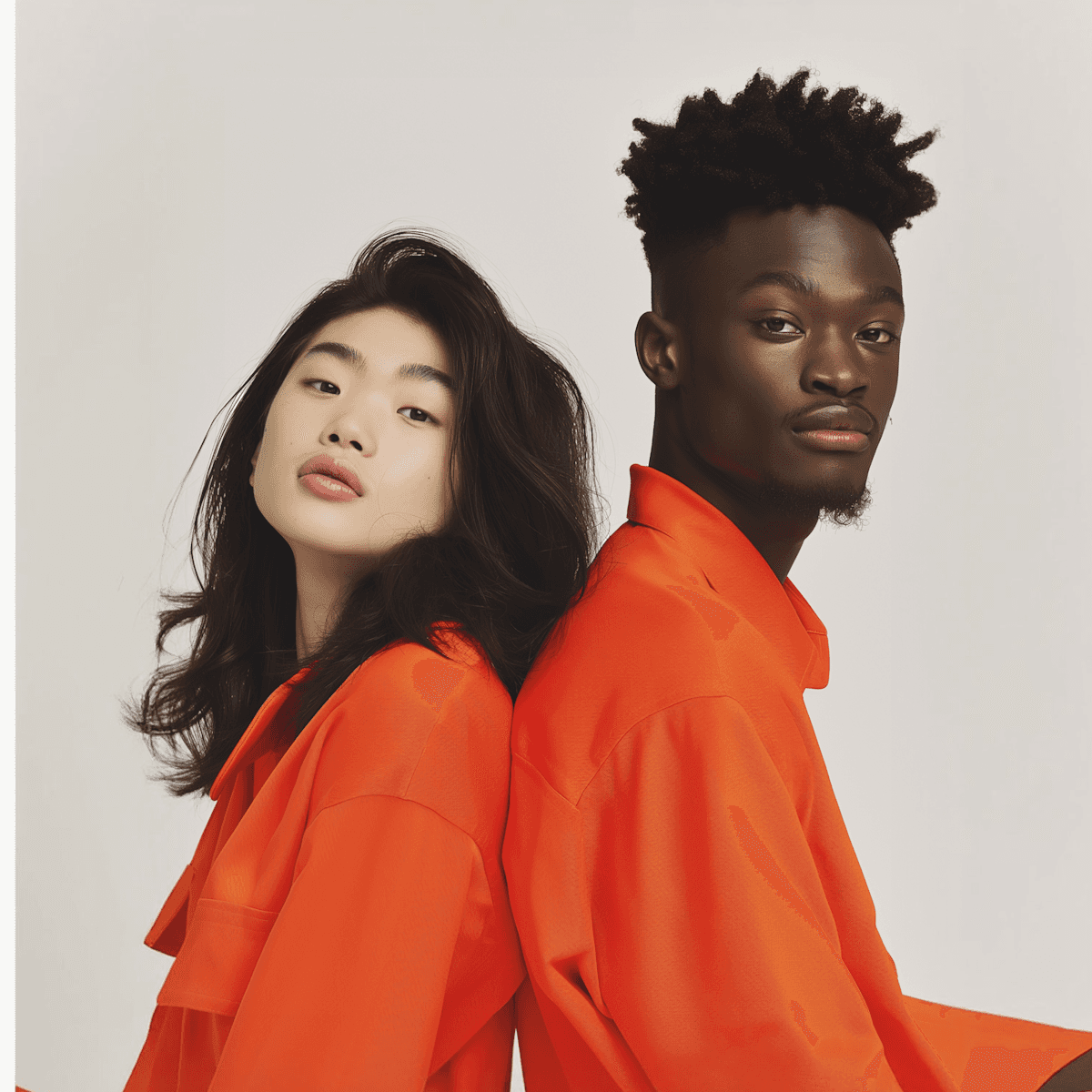
"Lookdrop changed the industry."
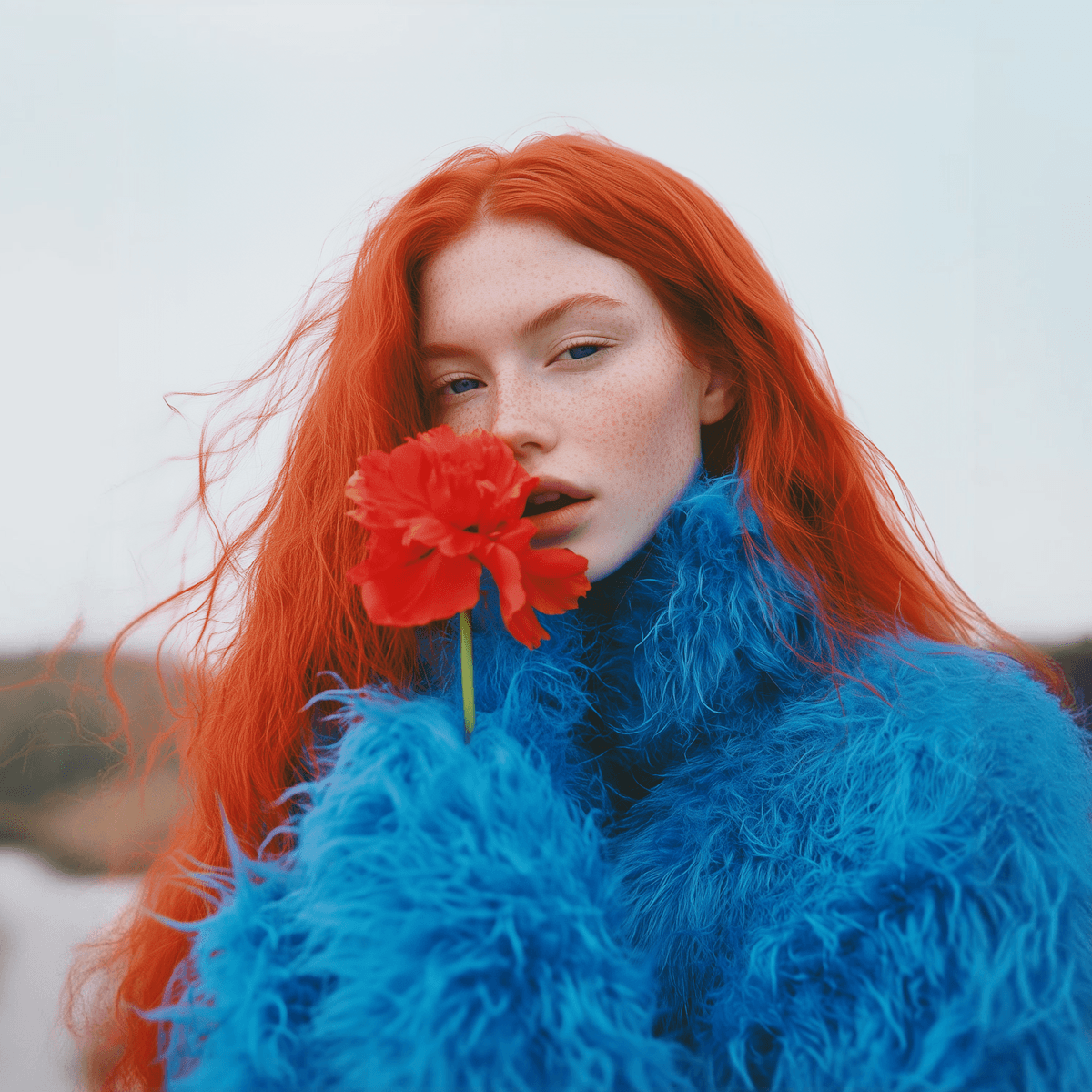
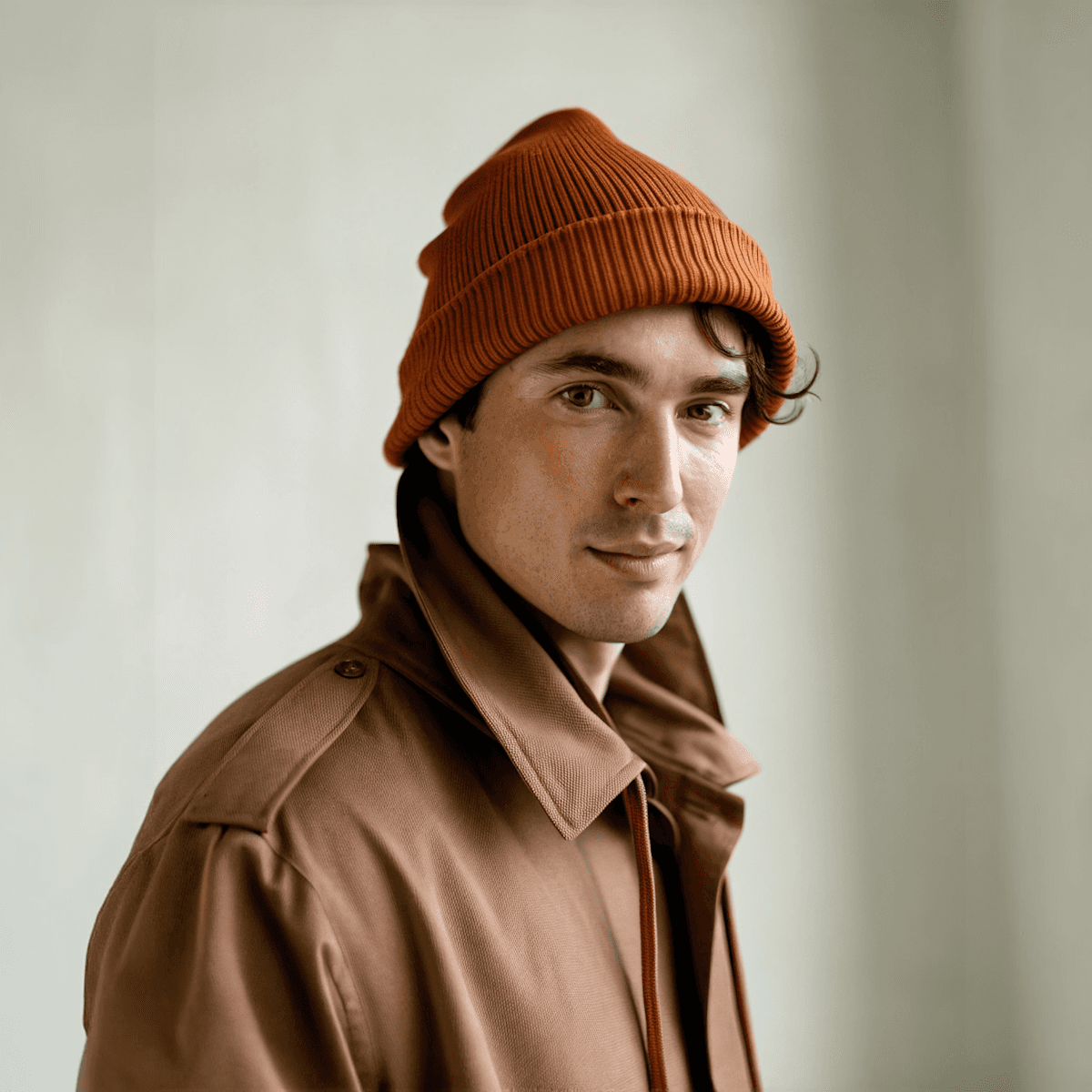
Delivering beginners and professionals alike, instant color grading, right onto their image.

Purpose

Features
Features
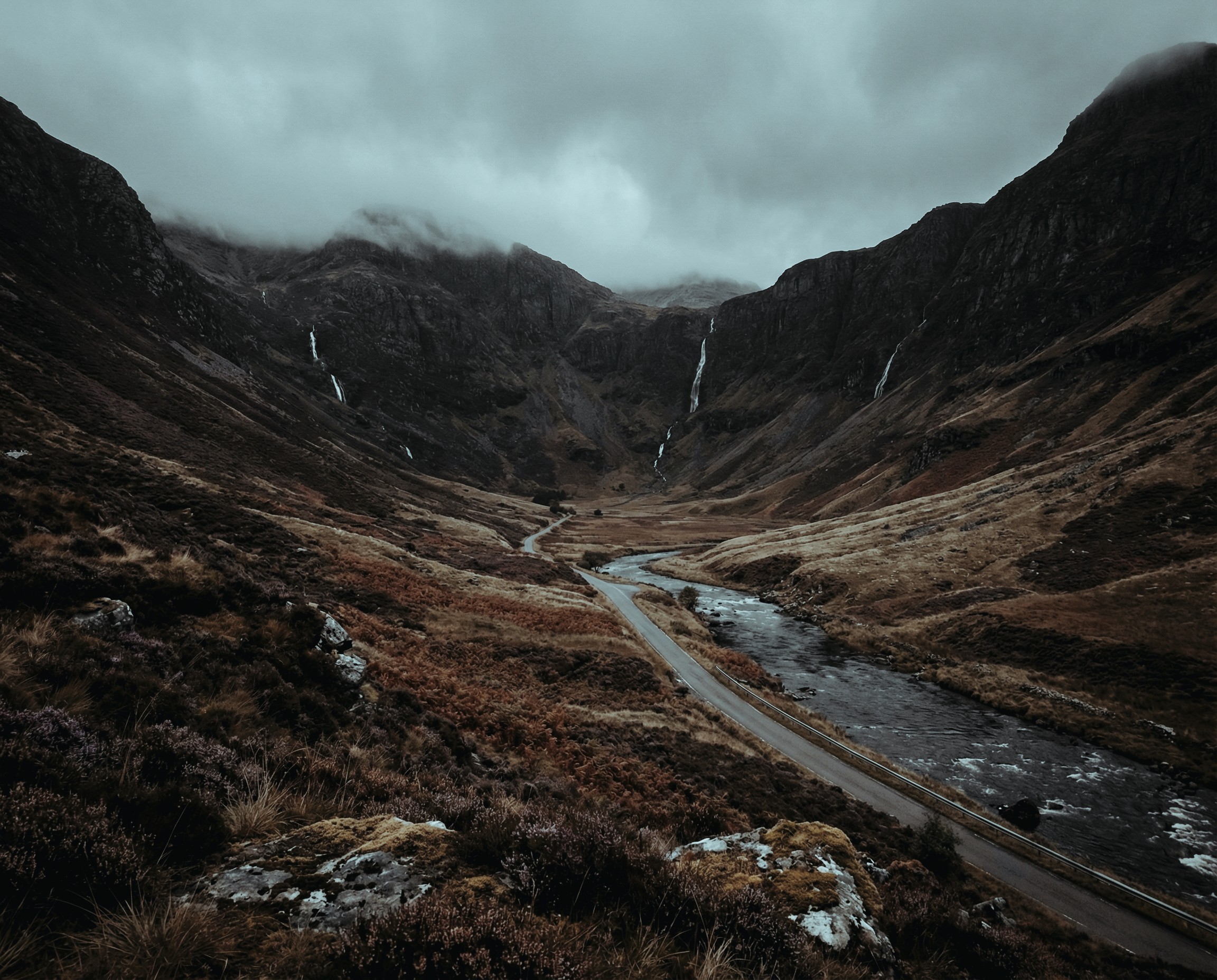
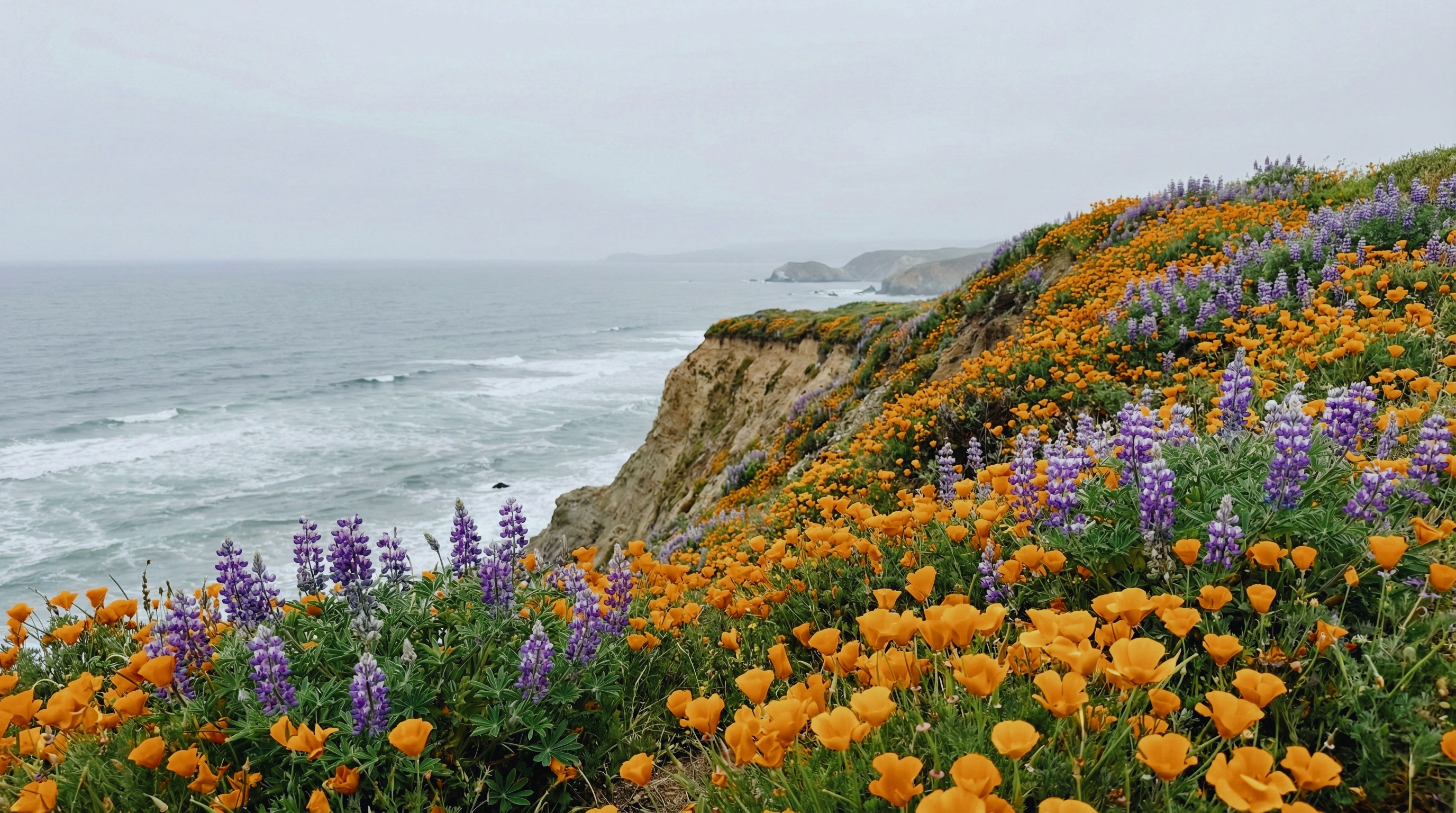
Built for the shot, not the edit.
Built for the shot, not the edit.
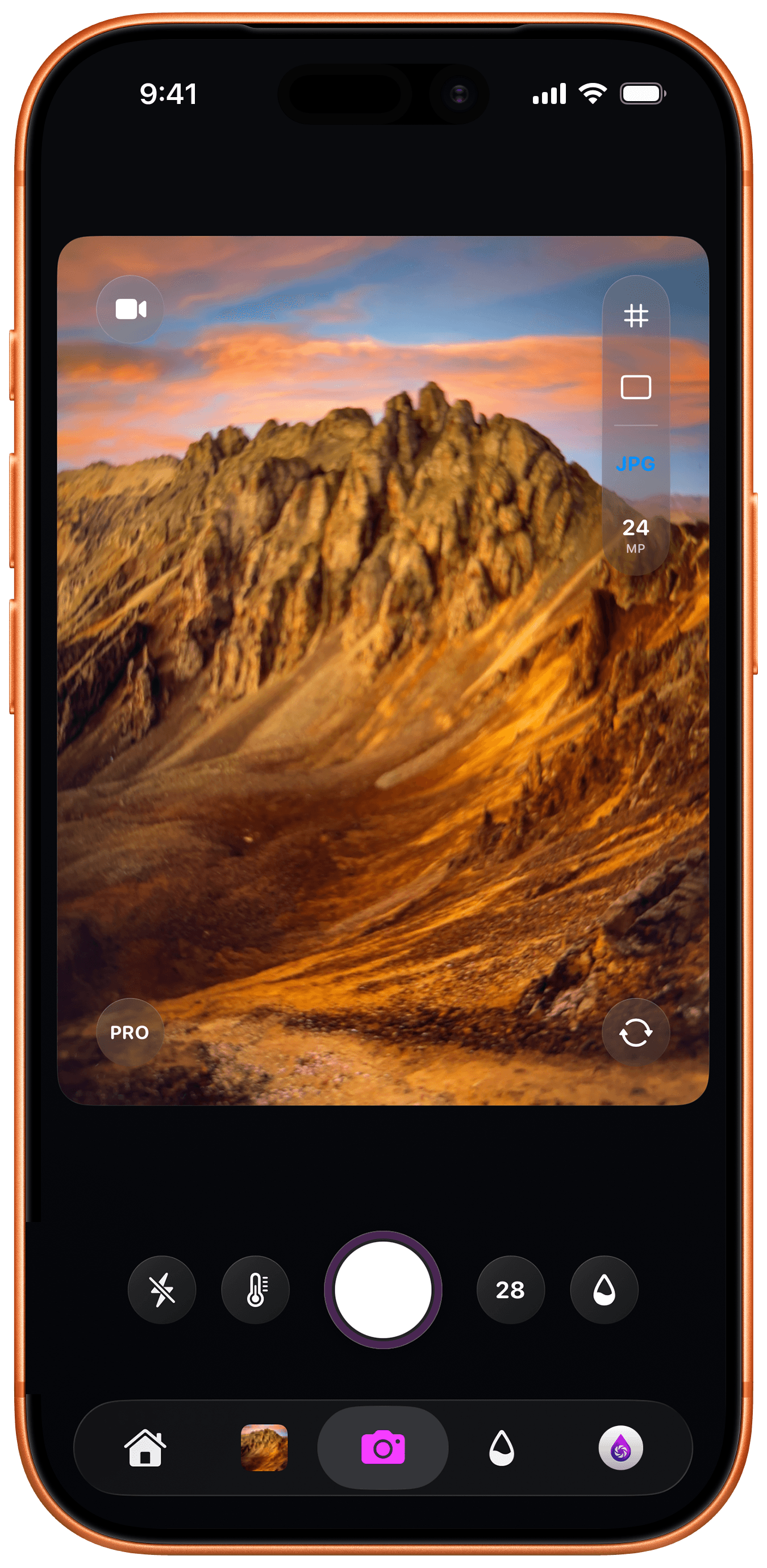
Lookdrop brings professional camera controls and real-time color grading together in one fluid experience. Capture with precision, grade with a swipe, and move on. Your iPhone becomes a complete photography system.
All services include:
Real-Time Pro Colors
Real-Time Pro Colors
Real-Time Pro Colors
Share with the Lookdrop Community
Share with the Lookdrop Community
Share with the Lookdrop Community
Manual Camera Control
Manual Camera Control
Manual Camera Control
Moodboards
Organize your captures into visual collections. Build moodboards, refine your aesthetic, and keep your best work in one place.
Moodboards
Organize your captures into visual collections. Build moodboards, refine your aesthetic, and keep your best work in one place.
Moodboards
Organize your captures into visual collections. Build moodboards, refine your aesthetic, and keep your best work in one place.
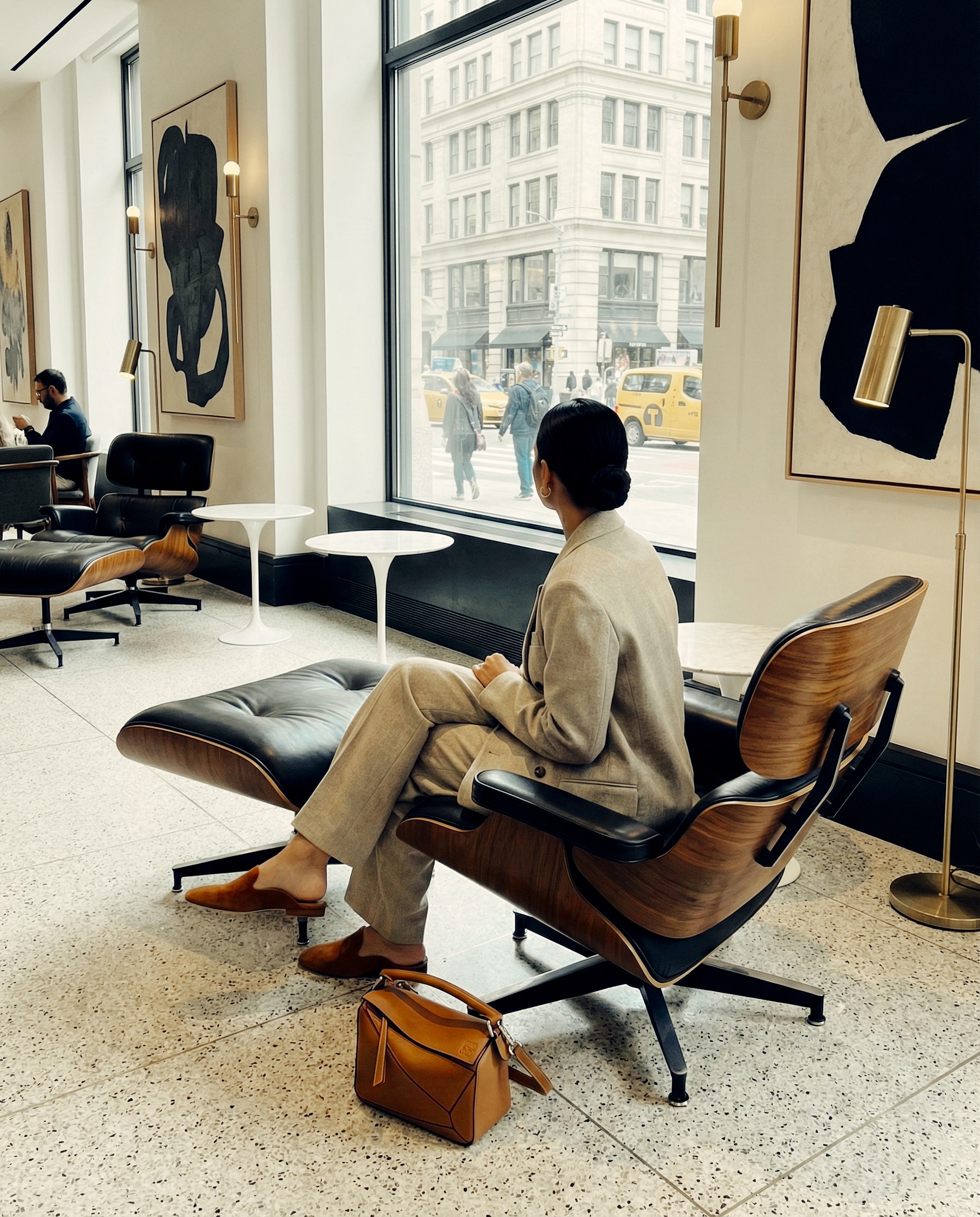
Drops - Your Visual Feed
Share your work in a pure visual sanctuary. No comments, no noise, just photography that speaks for itself.
Drops - Your Visual Feed
Share your work in a pure visual sanctuary. No comments, no noise, just photography that speaks for itself.
Drops - Your Visual Feed
Share your work in a pure visual sanctuary. No comments, no noise, just photography that speaks for itself.
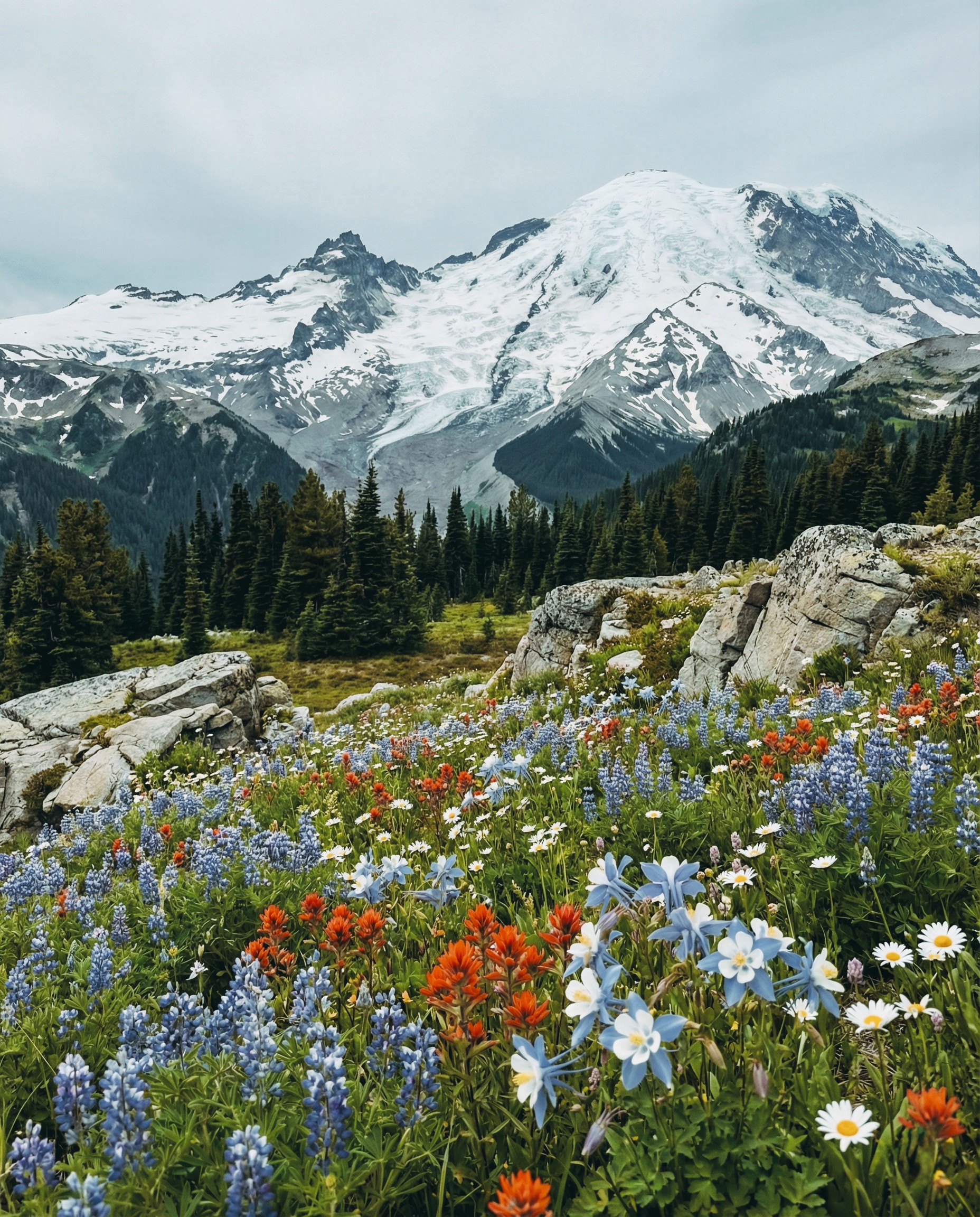
Shoot Any Format
From ProRAW's editing power to JPEG's instant sharing. Capture in the format that fits your workflow.
Shoot Any Format
From ProRAW's editing power to JPEG's instant sharing. Capture in the format that fits your workflow.
Shoot Any Format
From ProRAW's editing power to JPEG's instant sharing. Capture in the format that fits your workflow.
Features
Features
Everything you need. Nothing you don't.
Lookdrop gives you everything a professional camera app should—and cuts out everything that slows you down.



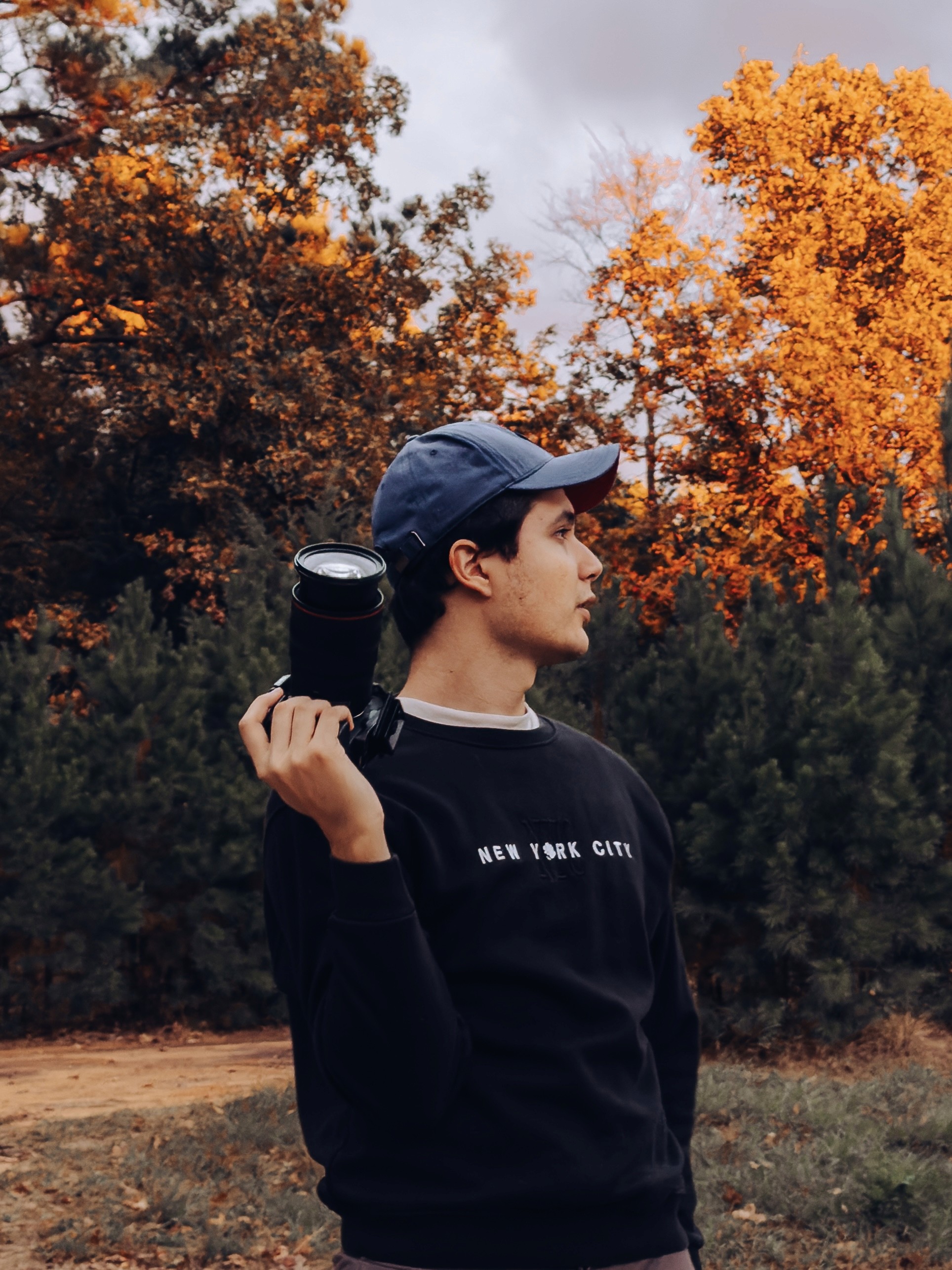

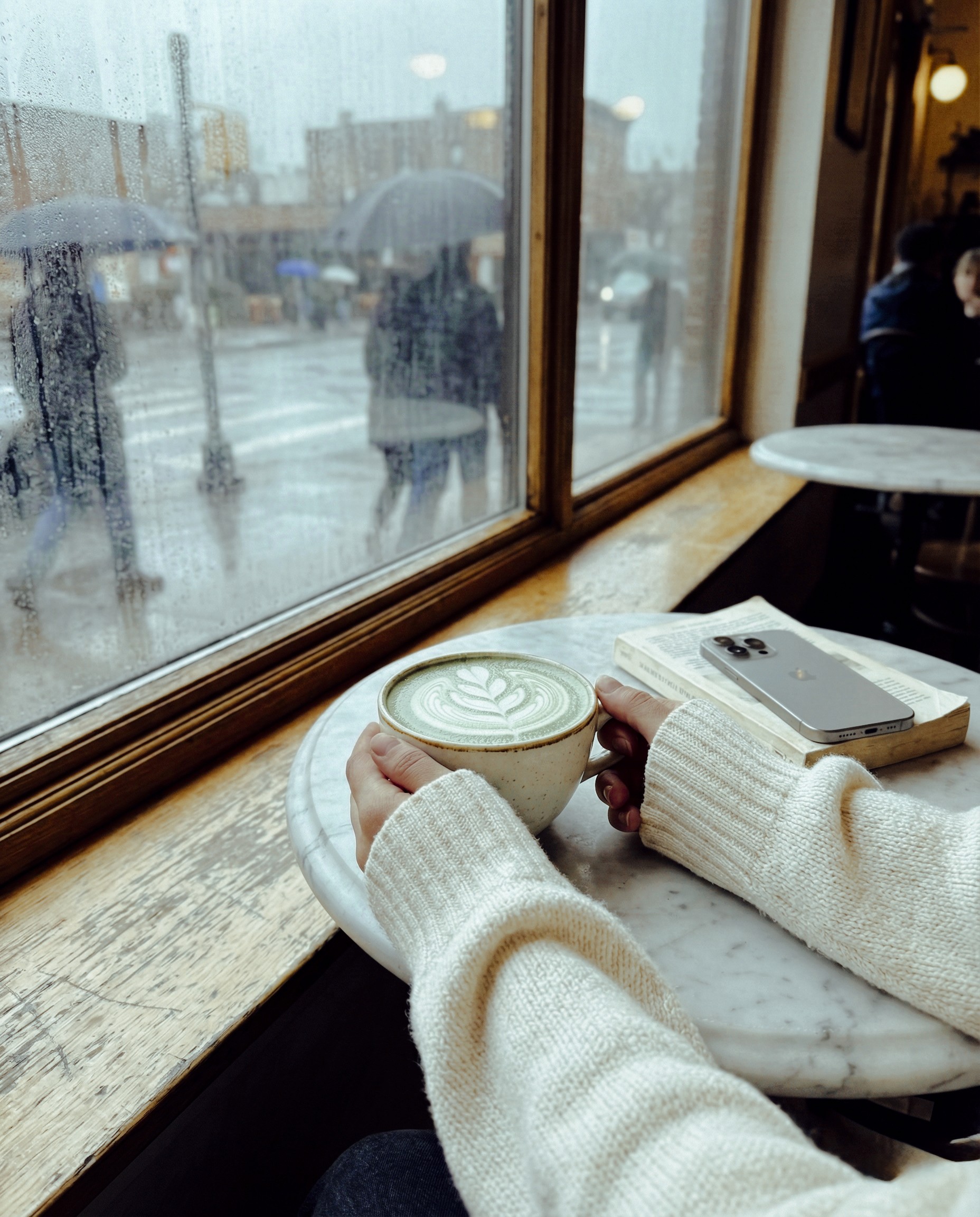
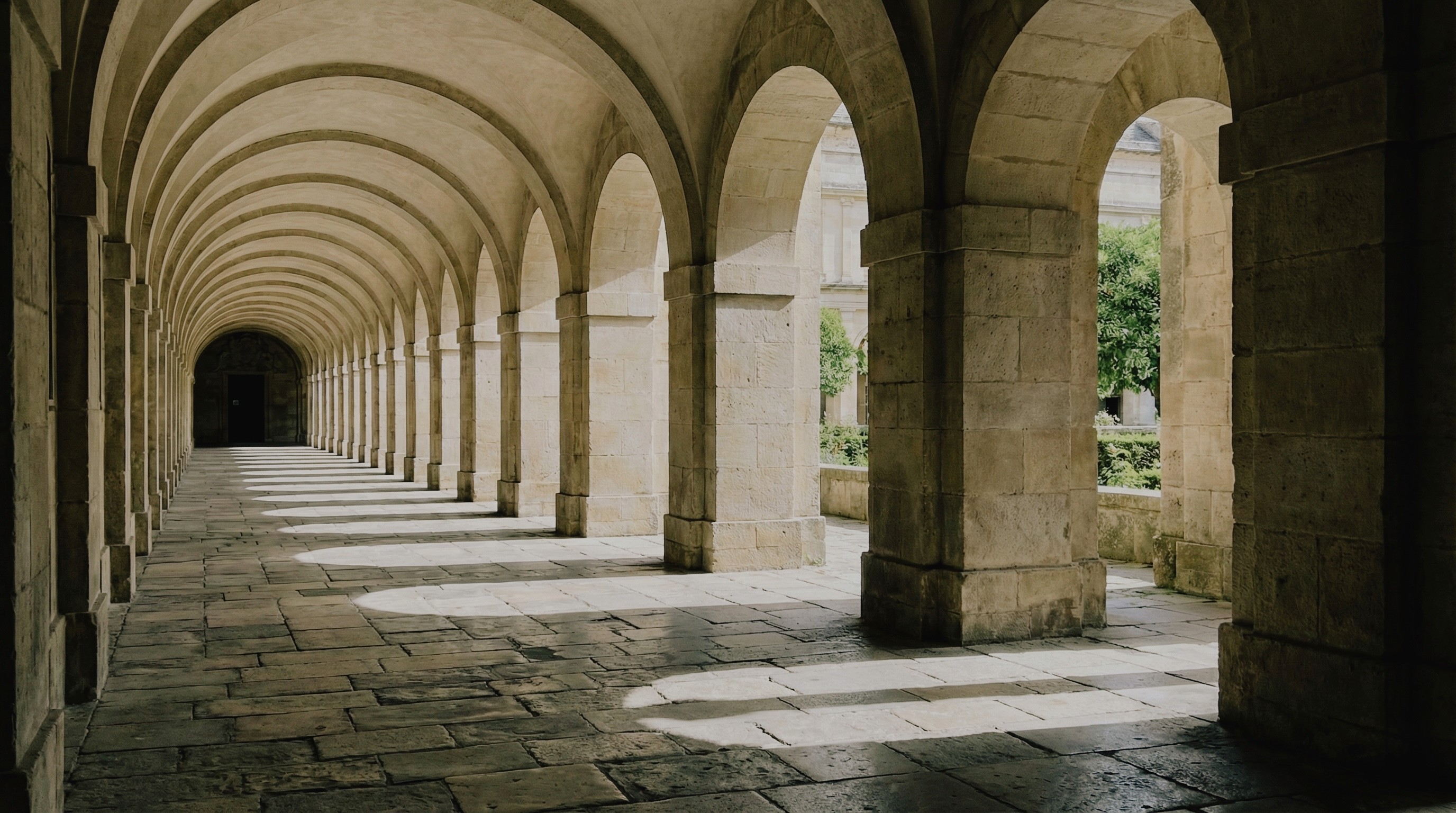
Capture Analog in Film Mode
Capture Analog in Film Mode
satisfied creators



One-Tap Edits
Experiences
What Lookdrop users say
Feedback from people that have used Lookdrop. Their experiences tell you more about Lookdrop than we ever could.
We've started using it for BTS client shoots when we need to move quickly. The fact that we can grade in real-time means less post work for the team. It's been really useful.
David P.
Creative Director
When I'm traveling, I need to post quickly. Lookdrop makes that possible without sacrificing quality. It's become part of my workflow pretty fast.
Alex T.
Content Creator
I used to spend way too much time editing. Now I just pick a color, shoot, and I'm done. It's nice to actually focus on taking photos instead of fixing them later.
Jenna R.
Content Creator
I wasn't expecting this level of control from an iPhone app. The manual settings work how they should, and the real-time grading actually changes how I shoot. It's solid.
Marcus W.
Professional Photographer
I manage content for three brands, so anything that saves time is huge for me. Being able to shoot and post without opening another app has genuinely made my job easier.
Sarah C.
Social Media Manager
Experiences
What Lookdrop users say
Feedback from people that have used Lookdrop. Their experiences tell you more about Lookdrop than we ever could.
We've started using it for BTS client shoots when we need to move quickly. The fact that we can grade in real-time means less post work for the team. It's been really useful.
David P.
Creative Director
When I'm traveling, I need to post quickly. Lookdrop makes that possible without sacrificing quality. It's become part of my workflow pretty fast.
Alex T.
Content Creator
I used to spend way too much time editing. Now I just pick a color, shoot, and I'm done. It's nice to actually focus on taking photos instead of fixing them later.
Jenna R.
Content Creator
I wasn't expecting this level of control from an iPhone app. The manual settings work how they should, and the real-time grading actually changes how I shoot. It's solid.
Marcus W.
Professional Photographer
I manage content for three brands, so anything that saves time is huge for me. Being able to shoot and post without opening another app has genuinely made my job easier.
Sarah C.
Social Media Manager
Experiences
What Lookdrop users say
Feedback from people that have used Lookdrop. Their experiences tell you more about Lookdrop than we ever could.
We've started using it for BTS client shoots when we need to move quickly. The fact that we can grade in real-time means less post work for the team. It's been really useful.
David P.
Creative Director
When I'm traveling, I need to post quickly. Lookdrop makes that possible without sacrificing quality. It's become part of my workflow pretty fast.
Alex T.
Content Creator
I used to spend way too much time editing. Now I just pick a color, shoot, and I'm done. It's nice to actually focus on taking photos instead of fixing them later.
Jenna R.
Content Creator
I wasn't expecting this level of control from an iPhone app. The manual settings work how they should, and the real-time grading actually changes how I shoot. It's solid.
Marcus W.
Professional Photographer
I manage content for three brands, so anything that saves time is huge for me. Being able to shoot and post without opening another app has genuinely made my job easier.
Sarah C.
Social Media Manager
FAQ
FAQ
Got questions?
Here are the most common things people ask, before downloading Lookdrop.
How does real-time color grading actually work?
Lookdrop applies Pro Colors (Looks) live as you shoot—what you see in the viewfinder is what you capture. No post-processing needed. Your photo comes out with the cinematic look you want, instantly, at the highest quality.
Do I need to edit my photos after taking them?
Nope. That's the whole point. Grade it while you shoot, capture it once, and you're done. Whether you're posting immediately or saving for later, your photos are ready to go.
Does this work with all iPhone models?
Lookdrop is optimized for iPhone 15 and newer models to take full advantage of advanced camera hardware and ProRAW capabilities.
Who is Lookdrop for?
Anyone who values their time and wants professional results without the editing grind. Social media managers shooting content on tight schedules. Content creators who need to post immediately. Photographers who want full manual control with instant color grading. Even beginners who just want their iPhone photos to look incredible—no editing skills required. If you take photos and don't want to spend hours in editing apps later, Lookdrop is for you.
What's included in each subscription tier?
Creator ($4.99/mo): Core camera controls, real-time Pro Colors, Studio organization, and Drops social features. Pro ($9.99/mo): Everything in Creator, plus expanded LUT library, advanced manual controls, and priority feature access.
How does real-time color grading actually work?
Lookdrop applies Pro Colors (Looks) live as you shoot—what you see in the viewfinder is what you capture. No post-processing needed. Your photo comes out with the cinematic look you want, instantly, at the highest quality.
Do I need to edit my photos after taking them?
Nope. That's the whole point. Grade it while you shoot, capture it once, and you're done. Whether you're posting immediately or saving for later, your photos are ready to go.
Does this work with all iPhone models?
Lookdrop is optimized for iPhone 15 and newer models to take full advantage of advanced camera hardware and ProRAW capabilities.
Who is Lookdrop for?
Anyone who values their time and wants professional results without the editing grind. Social media managers shooting content on tight schedules. Content creators who need to post immediately. Photographers who want full manual control with instant color grading. Even beginners who just want their iPhone photos to look incredible—no editing skills required. If you take photos and don't want to spend hours in editing apps later, Lookdrop is for you.
What's included in each subscription tier?
Creator ($4.99/mo): Core camera controls, real-time Pro Colors, Studio organization, and Drops social features. Pro ($9.99/mo): Everything in Creator, plus expanded LUT library, advanced manual controls, and priority feature access.
How does real-time color grading actually work?
Lookdrop applies Pro Colors (Looks) live as you shoot—what you see in the viewfinder is what you capture. No post-processing needed. Your photo comes out with the cinematic look you want, instantly, at the highest quality.
Do I need to edit my photos after taking them?
Nope. That's the whole point. Grade it while you shoot, capture it once, and you're done. Whether you're posting immediately or saving for later, your photos are ready to go.
Does this work with all iPhone models?
Lookdrop is optimized for iPhone 15 and newer models to take full advantage of advanced camera hardware and ProRAW capabilities.
Who is Lookdrop for?
Anyone who values their time and wants professional results without the editing grind. Social media managers shooting content on tight schedules. Content creators who need to post immediately. Photographers who want full manual control with instant color grading. Even beginners who just want their iPhone photos to look incredible—no editing skills required. If you take photos and don't want to spend hours in editing apps later, Lookdrop is for you.
What's included in each subscription tier?
Creator ($4.99/mo): Core camera controls, real-time Pro Colors, Studio organization, and Drops social features. Pro ($9.99/mo): Everything in Creator, plus expanded LUT library, advanced manual controls, and priority feature access.
Your moment. Your color. Zero compromises.
Stop editing. Start creating. Lookdrop puts professional color grading in your hands the second you press capture. Download now and shoot like you mean it.
Professional photography tools that work as fast as you do. Shoot with precision, grade with a swipe, move on.
© 2026 Lookdrop
Information
Your moment. Your color. Zero compromises.
Stop editing. Start creating. Lookdrop puts professional color grading in your hands the second you press capture. Download now and shoot like you mean it.
Professional photography tools that work as fast as you do. Shoot with precision, grade with a swipe, move on.
© 2026 Lookdrop
Information
Your moment. Your color. Zero compromises.
Stop editing. Start creating. Lookdrop puts professional color grading in your hands the second you press capture. Download now and shoot like you mean it.
Professional photography tools that work as fast as you do. Shoot with precision, grade with a swipe, move on.
© 2026 Lookdrop
Information